Rectangle
A rectangle or rounded rectangle, positioned by its bounding box.
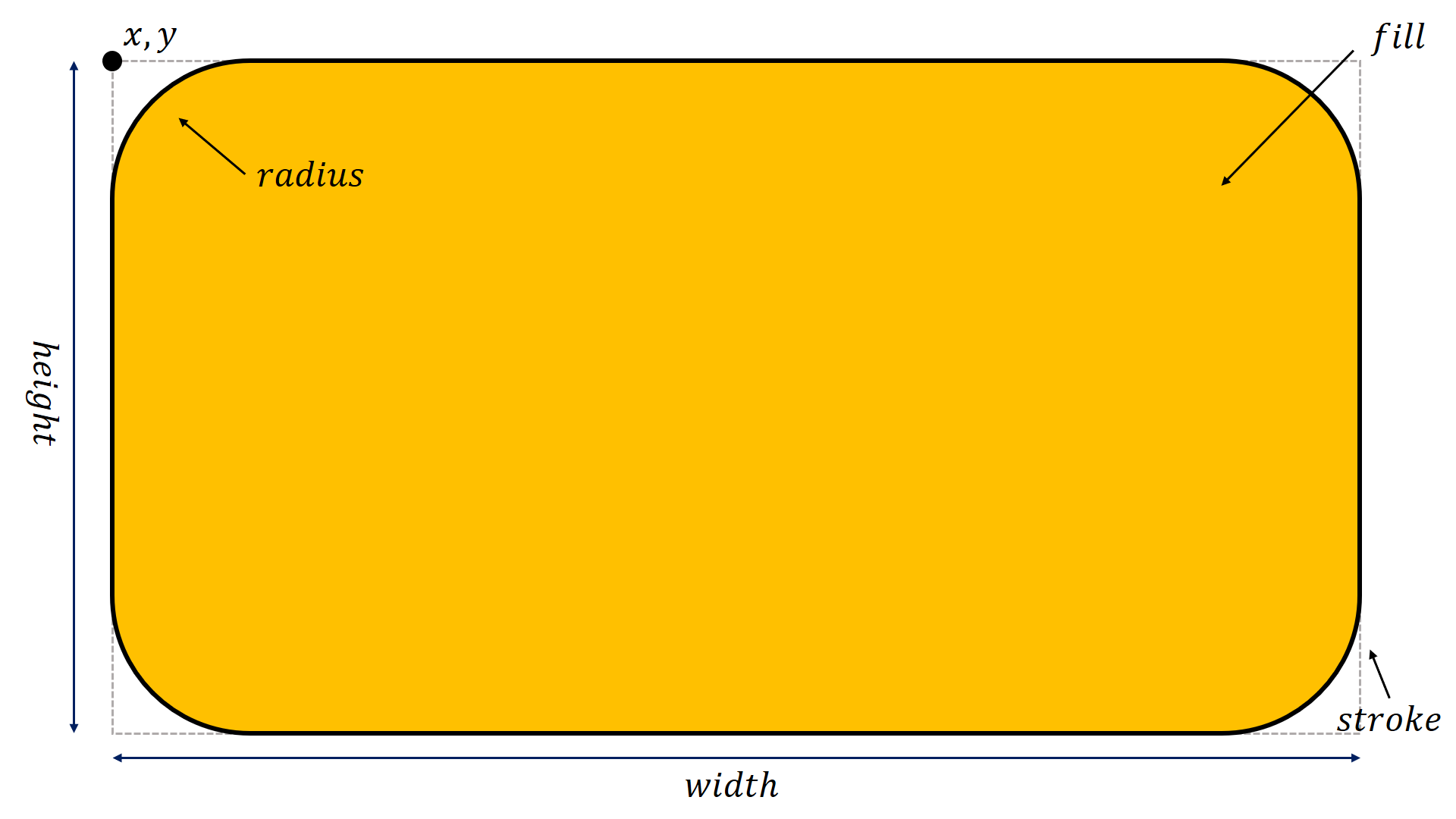
- class pptx_shapes.shapes.Rectangle(x: float, y: float, width: float, height: float, angle: float = 0, radius: float = 0, fill: pptx_shapes.style.fill_style.FillStyle | None = None, stroke: pptx_shapes.style.stroke_style.StrokeStyle | None = None)
Parameters
x(float) – left position (in centimeters).y(float) – top position (in centimeters).width(float) – width (in centimeters).height(float) – height (in centimeters).radius(float) – the radius of rounded corners as a percentage of the width/height (default is0)angle(float, optional) – rotation in degrees, default is0.fill(FillStyle, optional) – fill style.stroke(StrokeStyle, optional) – stroke style.
Example
from pptx_shapes.shapes import Rectangle
from pptx_shapes.style import FillStyle

rectangle = Rectangle(x=1, y=1, width=3, height=2, fill=FillStyle(color="#00aff0"))